
Boost Your Productivity with Pomodoro Timer Apps

If you’ve ever found yourself distracted or overwhelmed by a long to-do list, you’re not alone. Staying focused can be a real challenge, especially when tasks pile up and time slips away. That’s where focus timer applications come in. These handy tools help break your work into manageable chunks, making it easier to concentrate and get more done. Today, I want to share how these apps can transform your productivity and help you work smarter, not harder.
Why Focus Timer Applications Work So Well
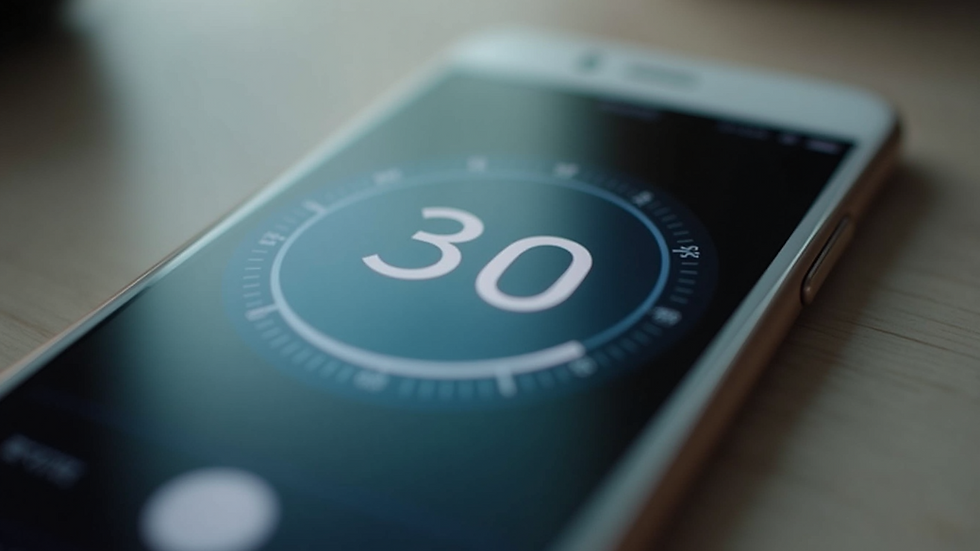
Focus timer applications are based on a simple but powerful idea: work in short, focused bursts followed by brief breaks. This method helps keep your mind fresh and prevents burnout. The most popular technique behind these apps is the Pomodoro Technique, which breaks work into 25-minute intervals separated by 5-minute rests.
Here’s why this approach is so effective:
Improved concentration: Knowing you only have to focus for a short time makes it easier to resist distractions.
Reduced mental fatigue: Regular breaks help your brain recharge.
Clear progress tracking: Seeing how many intervals you’ve completed boosts motivation.
Better time management: You become more aware of how long tasks actually take.
Studies show that using time management techniques like this can increase productivity by up to 25%. That’s a significant boost for anyone juggling multiple responsibilities.
How to Get Started with Focus Timer Applications
Getting started with focus timer applications is straightforward. Here’s a simple step-by-step guide to help you dive in:
Choose your app: There are many options available, so pick one that fits your style and device.
Set your work interval: The classic Pomodoro is 25 minutes, but you can adjust this to suit your attention span.
Start the timer: Begin your focused work session without interruptions.
Take a break: When the timer rings, step away for 5 minutes to stretch or relax.
Repeat: After four cycles, take a longer break of 15-30 minutes.
To make the most of your sessions, try these tips:
Turn off notifications on your devices.
Prepare your workspace before starting.
Use breaks to move around or hydrate.
By following this routine, you’ll find it easier to maintain focus and complete tasks efficiently.
Which Pomodoro Timer App Is Best?
With so many focus timer applications out there, it can be tough to pick the right one. Here are some popular choices that stand out for their features and ease of use:
Focus Booster: Great for beginners, it offers simple timers and productivity reports.
Be Focused: Perfect for Apple users, it syncs across devices and lets you customize intervals.
TomatoTimer: A no-frills web-based option that’s quick to access anywhere.
Forest: Adds a fun twist by growing virtual trees as you stay focused, encouraging longer sessions.
TickTick: Combines task management with a built-in Pomodoro timer for all-in-one productivity.
When choosing, consider what matters most to you: simplicity, customization, or extra features like task tracking. Many apps offer free versions, so try a few to see which fits your workflow best.

How Using Pomodoro Timer Apps Can Empower Your Day
Incorporating pomodoro timer apps into your daily routine can do more than just boost productivity. They help create a healthier work rhythm that supports your overall well-being. Here’s how:
Reduces stress: Breaking work into chunks makes big projects feel less daunting.
Builds momentum: Completing intervals gives a sense of accomplishment that fuels motivation.
Encourages mindfulness: Scheduled breaks remind you to pause and reset.
Improves work-life balance: Efficient work sessions free up time for personal activities.
For small businesses and individuals alike, these benefits translate into better focus, less burnout, and more energy to tackle what matters most.
Tips for Maximizing Your Productivity with Focus Timer Applications
To get the best results from your focus timer app, try these practical strategies:
Plan your day: List your tasks and estimate how many intervals each will take.
Prioritize: Start with the most important or challenging tasks when your energy is highest.
Limit multitasking: Focus on one task per interval to maintain quality.
Review your progress: Use app reports or journals to track improvements and adjust your approach.
Stay flexible: Adapt your intervals and breaks based on how you feel and the task at hand.
Remember, the goal is to work smarter, not harder. These apps are tools to help you find your flow and keep it going.
Using focus timer applications has truly changed how I approach work and daily tasks. They make productivity feel achievable and even enjoyable. If you’re ready to take control of your time and boost your output, give one of these apps a try. You might be surprised at how much more you can accomplish with just a little structure and focus.


Comments