
Maximize Your Efficiency with Pomodoro Timer Apps

Staying focused in today’s fast-paced world can be a real challenge. Distractions pop up everywhere, and it’s easy to lose track of time. That’s why I’ve found productivity timer tools to be absolute game-changers. These tools help break work into manageable chunks, making tasks feel less overwhelming and boosting overall efficiency. If you want to get more done without burning out, keep reading. I’ll share practical tips and insights on how to use these timers effectively.
Why Productivity Timer Tools Work So Well
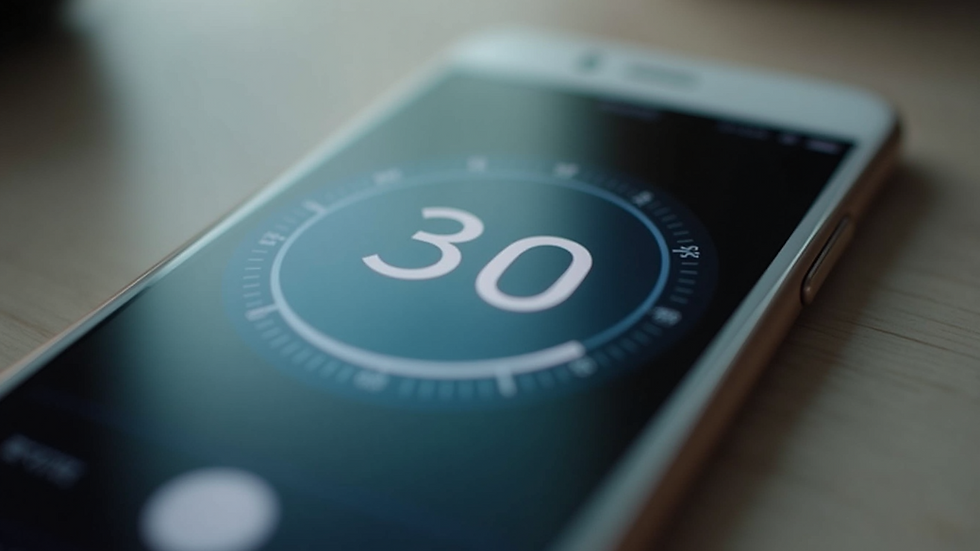
Productivity timer tools are designed to help you work smarter, not harder. The basic idea is simple: work for a set period, then take a short break. This cycle repeats, keeping your mind fresh and focused. One popular method is the Pomodoro Technique, which uses 25-minute work intervals followed by 5-minute breaks.
Here’s why these tools are so effective:
Improved focus: Knowing you only have to work for a short burst makes it easier to concentrate.
Reduced burnout: Regular breaks prevent mental fatigue.
Better time awareness: You become more conscious of how long tasks actually take.
Increased motivation: Completing intervals gives a sense of accomplishment.
For example, when I started using a timer, I noticed I could finish tasks faster and felt less stressed. It’s like having a gentle coach reminding you to stay on track and rest when needed.

Choosing the Right Productivity Timer Tools for You
There are many productivity timer tools available, from simple kitchen timers to sophisticated apps. Picking the right one depends on your needs and preferences. Here are some factors to consider:
Ease of use: The tool should be intuitive and quick to set up.
Customisation: Look for options to adjust work and break intervals.
Notifications: Alerts should be clear but not disruptive.
Additional features: Some apps offer task tracking, reports, or integrations with calendars.
Platform compatibility: Make sure it works on your devices, whether it’s a phone, tablet, or computer.
Personally, I prefer apps that sync across devices and offer gentle reminders. This way, I can stay productive whether I’m at my desk or on the go. If you want to explore some great options, check out this list of pomodoro timer apps that combine simplicity with smart features.

Does Google Have a Pomodoro Timer?
If you’re wondering whether Google offers a built-in Pomodoro timer, the answer is yes, but with some limitations. Google’s search engine includes a simple timer feature that you can activate by typing “Pomodoro timer” or “25-minute timer” into the search bar. This timer counts down your work session and alerts you when time is up.
While this is convenient for quick use, it lacks the customisation and tracking features found in dedicated apps. For example, you can’t adjust break lengths or save your session history. If you want a more robust experience, third-party apps are the way to go.
Still, Google’s timer is a handy tool if you need a quick, no-fuss Pomodoro session without installing anything.

Tips to Maximize Your Efficiency Using Productivity Timer Tools
Using productivity timer tools effectively takes a bit of practice. Here are some tips to help you get the most out of them:
Set clear goals: Before starting, decide what you want to accomplish in each session.
Eliminate distractions: Turn off notifications and create a quiet workspace.
Stick to the schedule: Respect work and break intervals to maintain rhythm.
Use breaks wisely: Stand up, stretch, or take a short walk to recharge.
Review your progress: At the end of the day, reflect on what you achieved and adjust your plan if needed.
For example, I like to write down my tasks and estimate how many intervals each will take. This keeps me motivated and helps me avoid overcommitting. Remember, the goal is steady progress, not perfection.
How Productivity Timer Tools Empower Small Businesses
Small businesses often juggle many roles and responsibilities. Productivity timer tools can be a secret weapon to manage time better and reduce stress. By breaking work into focused intervals, teams can improve collaboration and meet deadlines more consistently.
Here’s how these tools help:
Boost team focus: Shared timers keep everyone on the same page during meetings or work sprints.
Track productivity: Managers can see how time is spent and identify bottlenecks.
Encourage work-life balance: Regular breaks prevent burnout and promote wellness.
Simplify task management: Many apps integrate with project management tools.
If you run a small business, consider introducing a timer tool to your team. It’s a simple step that can lead to big improvements in efficiency and morale.
Using productivity timer tools has transformed the way I work and manage my time. Whether you’re tackling a big project or just trying to stay focused during the day, these tools offer a friendly, effective way to boost your productivity. Give them a try and see how much more you can accomplish with just a little structure and regular breaks. For more insights and app recommendations, explore the world of pomodoro timer apps and find the perfect fit for your workflow.


Comments